Guides ·
Digital Tour Book: What to Include and How to Keep It Current
Build a digital tour book that gives crew the right schedules, contacts, venues, travel, hotels, and documents without exposing private data.

tour-flow Team
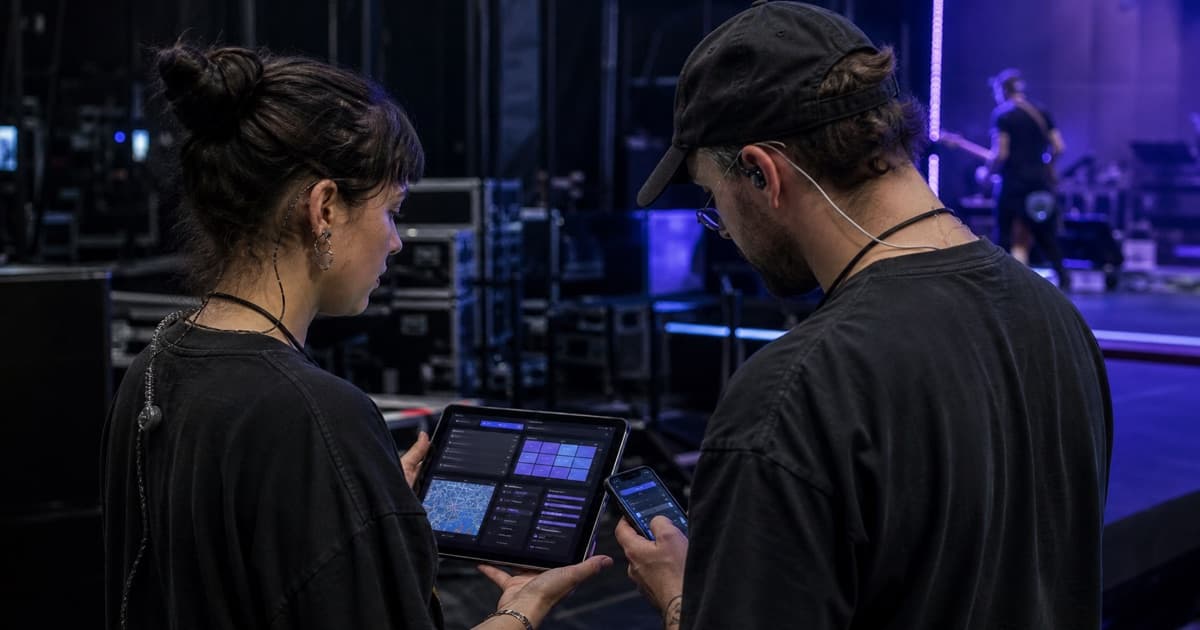
A digital tour book turns the master tour plan into a practical crew-facing resource. It should answer today's operational questions quickly while keeping private, financial, or irrelevant information out of view.
The goal is not to publish every field in your system. The goal is to give each audience the clearest safe version of the truth.
What Is a Digital Tour Book?
A digital tour book is a mobile-friendly itinerary and day-sheet collection for a tour or event. Unlike a static printed book or emailed PDF, it can stay at one link while authorized information is updated behind it.
Typical readers include touring crew, artists, drivers, promoters, venue contacts, local production, and invited guests. Those audiences may need different sections.
Core Sections to Include
Daily Overview
Show the date, day type, city, venue or location, and the next important call. A reader should understand the shape of the day within seconds.
Schedule
Publish the current timeline with clear times, titles, locations, and relevant notes. Include load-in, catering, soundcheck, doors, sets, curfew, load-out, departure, and any day-specific activity.
Venue and Access
Include the full address, production entrance, parking instructions, loading restrictions, and practical navigation notes. A public front door address is rarely enough for a truck or nightliner.
Key Contacts
Share only contacts the audience may genuinely need: tour manager, production manager, venue production, promoter, security, transport, and hotel. Avoid exposing the entire crew directory by default.
Travel and Hotels
For travel days, show origin, destination, departure, arrival, transport, and critical stops. For hotels, include address, parking, check-in, breakfast, checkout, and lobby call. Keep room assignments and personal details restricted.
Production and Documents
Provide concise production notes and only the files relevant to the recipient. A venue may need a rider and stage plot; an artist may only need the daily schedule and dressing-room information.
Choose Access Deliberately
Before publishing, classify the information:
- Open: safe for anyone with the link
- Password protected: useful for a known group without individual accounts
- Verified recipient: intended for specific invited people
- Workspace only: internal operational or sensitive information
The access method should match the most sensitive field in the booklet, not the least sensitive one.
Keep the Tour Book Current
A digital format only helps if the publishing workflow is clear. Assign one source owner, update structured event data first, and treat messages as alerts rather than alternate records.
When a call changes, the notice should say what changed, when it takes effect, and where the current schedule lives. Do not paste a second full schedule into chat unless you want two versions to maintain.
Build for a Phone at 06:00
Test the booklet under real conditions:
- Can someone find lobby call with one hand?
- Does the venue address open cleanly?
- Are contacts easy to identify?
- Does the schedule remain readable outside?
- Are files small enough to open on a weak connection?
- Is tomorrow's first required action obvious?
The best tour book is not the densest one. It is the one the crew trusts and can scan quickly.
Digital Tour Book Checklist
Before sharing, confirm:
- All published dates are current
- Times use one consistent format
- Addresses point to the correct entrance
- Contact details are permission appropriate
- Sensitive documents are excluded or protected
- Old drafts are not attached separately
- The same link will remain valid after updates
tour-flow booklets let teams choose sections and documents, then share by link, password, workspace access, or recipient-only invitation. Create a clearer digital tour book with tour-flow