Guides ·
Production Sheet Template: What to Include for Every Show
Build a production sheet template that keeps audio, lighting, backline, stage, power, and venue details clear for each event.

tour-flow Team
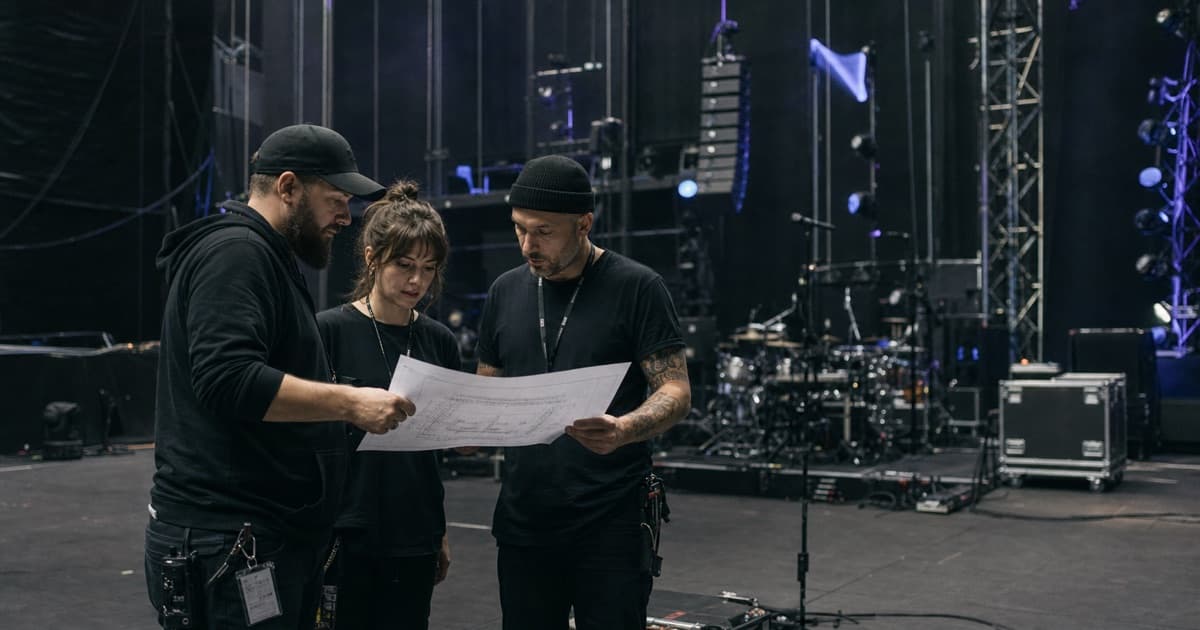
A production sheet should remove ambiguity. It should tell the production team what is expected, what is provided, what is missing, and who owns the fix.
When production information is scattered across riders, emails, PDFs, text messages, and memory, every show starts with the same questions. A good template gives those questions a permanent home.
Start With Show Context
Every production sheet needs a clear header:
- Artist or tour name
- Event date
- City and venue
- Venue capacity
- Production contact
- Promoter contact
- Tour production manager
- Last updated time
"Last updated" matters. Production details change often, and nobody wants to make decisions from a stale file.
Include Stage and Room Details
The stage section should be specific enough for planning:
- Stage width, depth, and height
- Trim height
- Wing space
- Barricade details
- Risers
- Drum position
- Quick-change or wardrobe area
- Loading dock distance to stage
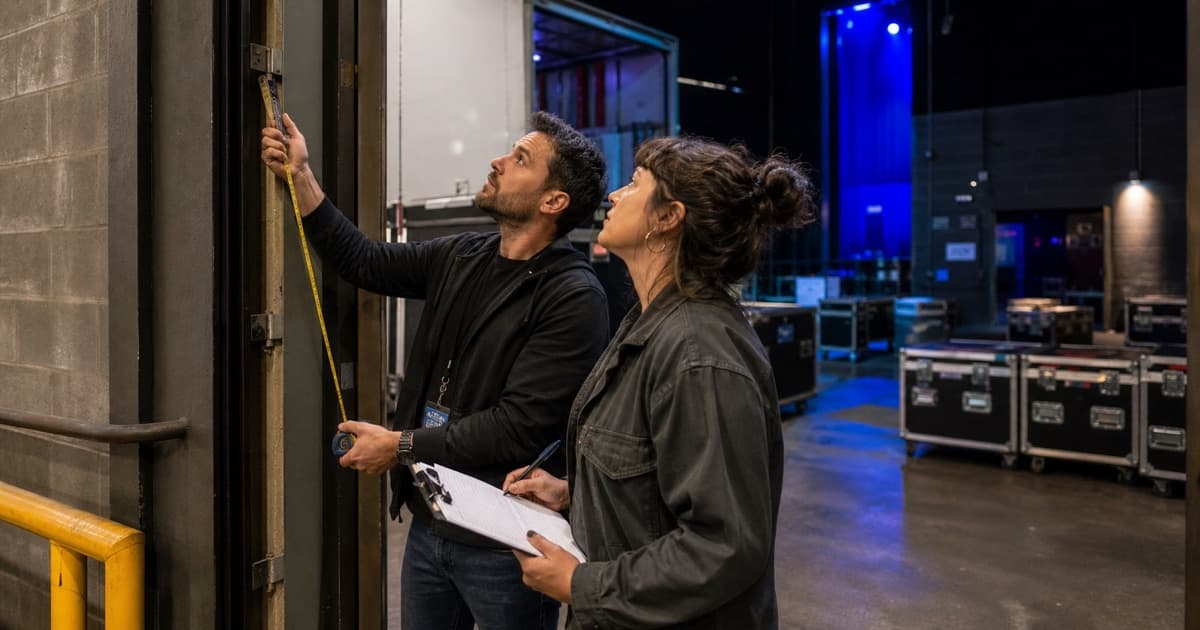
- Freight elevator dimensions if relevant
Do not bury physical constraints in notes. If the stage is too small for the standard plot, that needs to be impossible to miss.
Break Out Audio Clearly
Audio details should answer what is in-house, what tours, and what still needs confirmation.
Common fields:
- FOH console
- Monitor console
- PA system
- Sub configuration
- Monitor wedges or IEM support
- Stage boxes and split
- Microphone package
- Playback inputs
- RF coordination
- House audio engineer contact
If the tour carries its own console or mic package, the sheet should still show what the venue provides. That is how substitutions and backup plans get handled quickly.
Capture Lighting and Video
Lighting and video details are often where old information creates expensive surprises.
Add fields for:
- Lighting console
- House rig
- Floor package
- Haze or pyro restrictions
- Follow spots
- Power available
- Video screens
- Projector or LED processor inputs
- Camera restrictions
- House lighting contact
If you have a plot, link it. If the venue has a house plot, attach it. If the information is not confirmed, mark it as unconfirmed instead of leaving the field blank.
Document Backline and Rentals
Backline substitutions are easier to approve when the expected setup is documented:
- Drums and cymbals
- Guitar amps
- Bass amps
- Keyboards
- DJ gear
- Stands
- Percussion
- Spare instruments
- Rental vendor
- Delivery time
Use consistent names. "Twin," "Fender Twin," and "Twin Reverb" may all mean the same thing to one person, but consistency prevents mistakes when vendors are involved.
Add Crew and Labor Calls
The production sheet should show labor needs clearly:
- Touring crew by department
- Local crew call times
- Number of stagehands
- Forklift or loader needs
- Runner schedule
- Security call
- House tech coverage
Labor plans should connect to the day sheet. If load-in is at 10:00 and local crew is called at 11:00, either that is intentional or it is a problem.
Keep Attachments Close
A production sheet often points to other documents:
- Stage plot
- Input list
- Lighting plot
- Hospitality rider
- Tech rider
- Backline rider
- Venue house specs
- Local labor quote
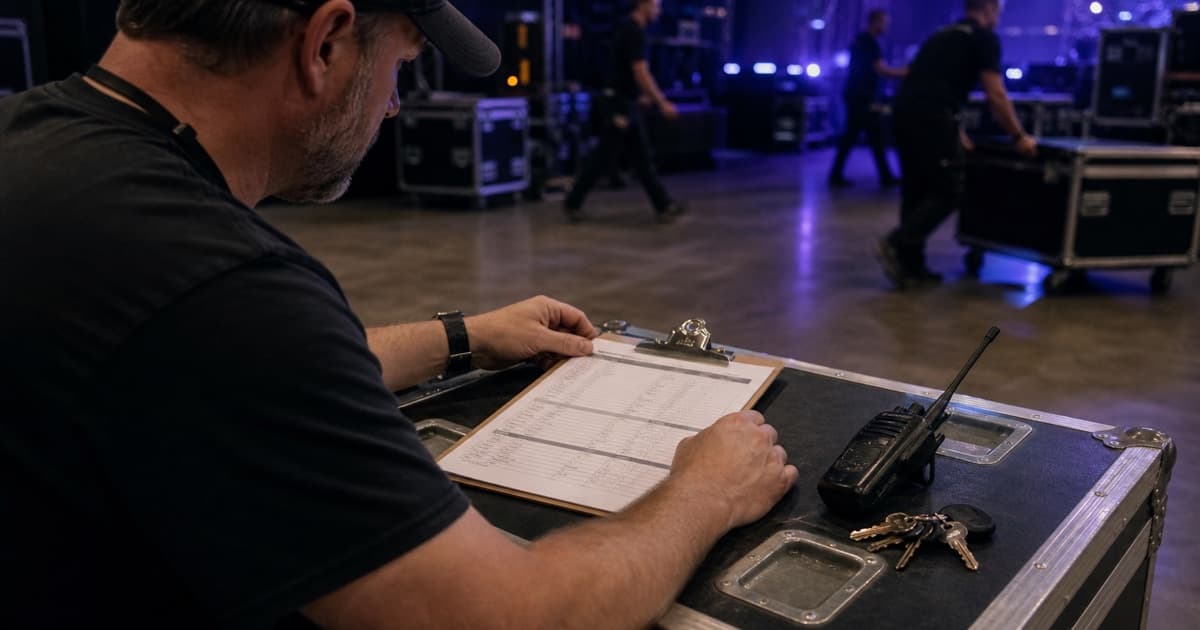
Keep links or attachments in one place. The goal is to stop people from asking, "Which PDF is current?"
Review It After Each Show
Production sheets improve when they capture real-world notes:
- What was different from the advance?
- Which house gear was better or worse than expected?
- Was load-in slower than planned?
- Did the venue contact respond quickly?
- Should this venue be routed differently next time?
A production sheet is not just a show-day document. It is institutional memory.
Manage Production Details With tour-flow
tour-flow turns production sheets into reusable templates while keeping venue-specific audio, lighting, backline, stage, power, contacts, and documents attached to the correct event. Every date starts with the standard setup and preserves its local exceptions.
Give every show a current, reusable technical record. Build your production workflow in tour-flow