Event Advance Software: Replace Email Chasing With a Workflow
Use event advance software to track venue contacts, production, hospitality, parking, schedules, documents, answers, owners, and deadlines.

tour-flow Team
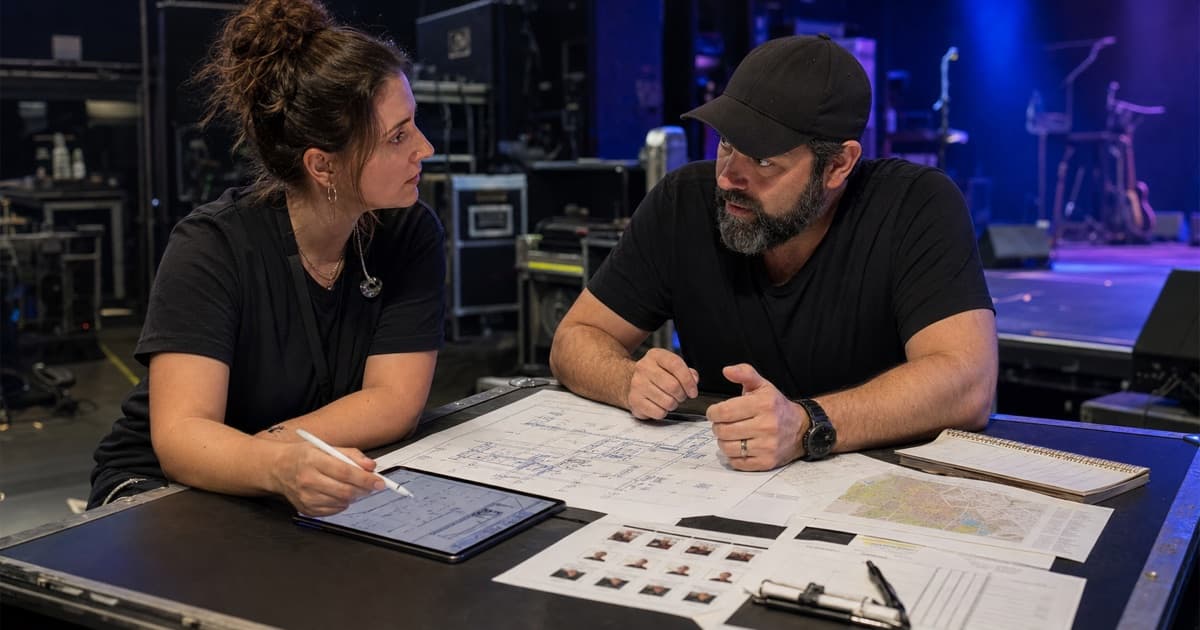
Event advancing turns a confirmed date into a show the venue and touring team can deliver. Email remains useful for communication, but it is a poor status system: sent questions look like completed work, answers arrive in fragments, and the current detail gets buried inside quoted threads.
Event advance software should create a structured workflow around those conversations.
Build One Advance Record Per Event
Connect the advance to the actual show date, venue, contacts, schedule, crew, production, hospitality, documents, and settlement terms. This prevents one date's answer from being copied into the wrong venue or left in a tour-wide note.
Start from tour-level templates, then record local exceptions.
Track Questions as Open Work
Organize the advance into operational sections:
- Venue access, loading, parking, and shore power
- Stage, rigging, power, audio, lighting, video, and backline
- Local crew and labor rules
- Dressing rooms, catering, showers, laundry, and runners
- Security, guest list, VIP, and accreditation
- Schedule, doors, curfew, and noise limits
- Merchandise and settlement
- Hotels, transport, and emergency contacts
Each unresolved item needs an owner, due date, status, and most recent answer.
Separate Sent From Confirmed
Use clear statuses such as:
- Not started
- Requested
- Partially answered
- Confirmed
- Blocked
- Changed after confirmation
"Requested" is not complete. This distinction lets a tour manager see risk without rereading every email.
Convert Answers Into Structured Event Data
When the venue confirms a production contact, parking instruction, call time, or hotel, update the relevant field. Keep the email or attachment as supporting evidence.
Structured information can feed the day sheet, schedule, contact list, production view, and shared booklet. An answer trapped in an inbox must be copied repeatedly.
Make Changes Visible
Advances evolve. Record when a confirmed answer changes and identify the downstream impact. A revised curfew may move the set; a dock restriction may change truck timing; a hotel change may affect departure.
The workflow should help you update connected information and notify the people affected.
Reuse Without Assuming
Templates should supply the standard question set and touring requirements. They should not silently carry last venue's answers into the next event.
Reuse:
- Questions
- Section structure
- Standard production requirements
- Preferred schedule
- Crew and contact roles
Confirm locally:
- Access
- Equipment
- Labor
- Restrictions
- Timings
- Hospitality
- Settlement
Event Advance Software Evaluation Checklist
Test whether the system can:
- Start events from reusable templates
- Track unanswered and blocked items
- Assign owners and deadlines
- Store contacts in reusable fields
- Attach riders, maps, menus, and confirmations
- Keep tour defaults separate from event exceptions
- Publish confirmed details into a crew-facing view
- Show who can access sensitive information
- Preserve a useful record for the next tour
Measure the Outcome
The purpose of advance software is not to eliminate email. It is to ensure that conversations produce a current, complete event record. The team should know what is confirmed, what is missing, and who is responsible before the truck leaves.
tour-flow connects advance forms, event details, production sheets, schedules, contacts, documents, crew, and shared booklets. Build a repeatable advance workflow with tour-flow