Live Event Production Schedule: Build a Reliable Run of Show
Create a live event production schedule with clear cues, owners, dependencies, buffers, change control, and a run of show the full crew can follow.

tour-flow Team
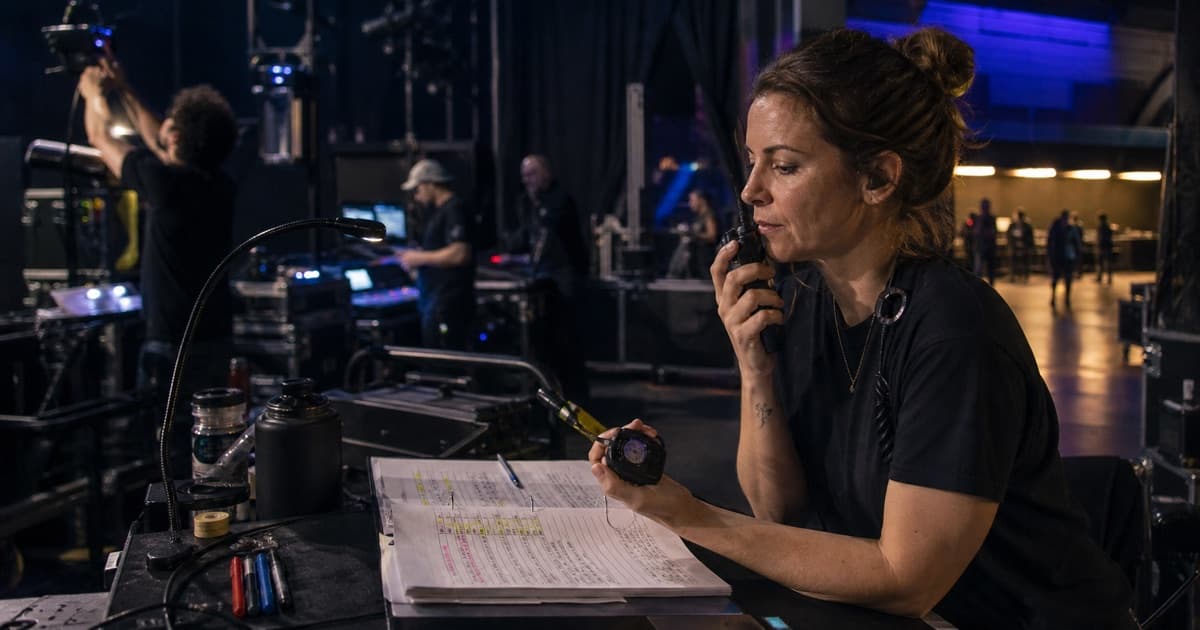
A live event production schedule converts a list of times into a coordinated sequence of work. It tells departments what must happen, who owns it, what needs to be ready first, and which moments cannot move.
The strongest run of show is detailed enough to coordinate the production but simple enough to use under pressure.
Start With Fixed Milestones
Build around the times controlled by the venue, audience, broadcast, transport, or regulation:
- Venue access
- Doors
- Advertised show time
- Broadcast windows
- Artist set times
- Curfew
- Load-out restrictions
- Vehicle departure
These are the anchors. Everything else should be calculated backward or forward from them.
Add the Full Production Sequence
Include work before the audience sees anything:
- Crew calls and safety briefing
- Truck or trailer position
- Load-in and case distribution
- Rigging, power, staging, audio, and lighting
- Backline and technical setup
- Line check and system verification
- Artist soundcheck or rehearsal
- Guest, VIP, or media activity
- House opening checks
- Support sets and changeovers
- Headline performance
- Curfew, strike, load-out, and departure
Avoid jumping from "load-in" to "soundcheck" if several departments must complete work between them.
Give Every Row an Owner
A useful production schedule contains:
- Start time
- End time or duration
- Activity
- Location
- Responsible department or person
- Dependency
- Critical note or cue
Ownership prevents the familiar problem where everyone knows something must happen but nobody knows who should start it.
Show Dependencies, Not Just Times
Production work is connected. Lighting focus may require clear stage access. Backline cannot finish until risers are placed. Soundcheck cannot start while power is incomplete.
Name the dependency where a missed handoff could delay the day. This helps a stage manager understand the real impact of a task running late.
Use Buffers Deliberately
Do not hide every spare minute inside long task durations. Add visible buffers around high-risk transitions:
- Vehicle access and dock moves
- Rigging approval
- Artist arrival
- Soundcheck completion
- Doors checks
- Changeovers
- Curfew
A visible buffer can be managed. An invisible one is usually consumed without anyone noticing.
Separate the Master Schedule From Department Detail
The master run of show should contain milestones and cross-department handoffs. Department schedules can hold detailed audio patching, lighting programming, backline changeovers, or hospitality tasks.
Link the detail without forcing the entire crew to scan information they do not need.
Control Changes During the Day
When timing changes, update one source first. Then communicate:
- What changed
- The new time
- Which downstream items move
- Which fixed milestone remains unchanged
- Who has acknowledged the update
Do not solve a delay by sending a new screenshot that competes with the schedule already in circulation.
Production Schedule Quality Check
Before publishing, ask:
- Are doors and curfew protected?
- Does every critical row have an owner?
- Are local and touring crew calls distinct?
- Are cross-department dependencies visible?
- Is there enough time for access, checks, and changeovers?
- Can someone find the current version from a phone?
- Does the schedule include strike and departure, not just the show?
Make the Run of Show Reusable
Save a proven schedule as a template, then adjust it for each venue. Keep standard timing consistent while recording local exceptions such as limited dock access, shared stages, reduced changeovers, or early curfew.
tour-flow supports reusable schedule templates, event timelines, crew details, documents, and shared booklets. Build your next live event production schedule in tour-flow
More Articles
Production Sheet Template: What to Include for Every Show
Build a production sheet template that keeps audio, lighting, backline, stage, power, and venue details clear for each event.
June 14, 2026
The Anatomy of a Perfect Day Sheet
A great day sheet is the difference between a smooth show day and total chaos. Here's exactly what to include and how to structure it.
February 10, 2026