Guides ·
How to Build a Tour Communication Plan That Crews Actually Follow
Create a tour communication plan for day sheets, urgent updates, department channels, approvals, and show-day escalation.

tour-flow Team
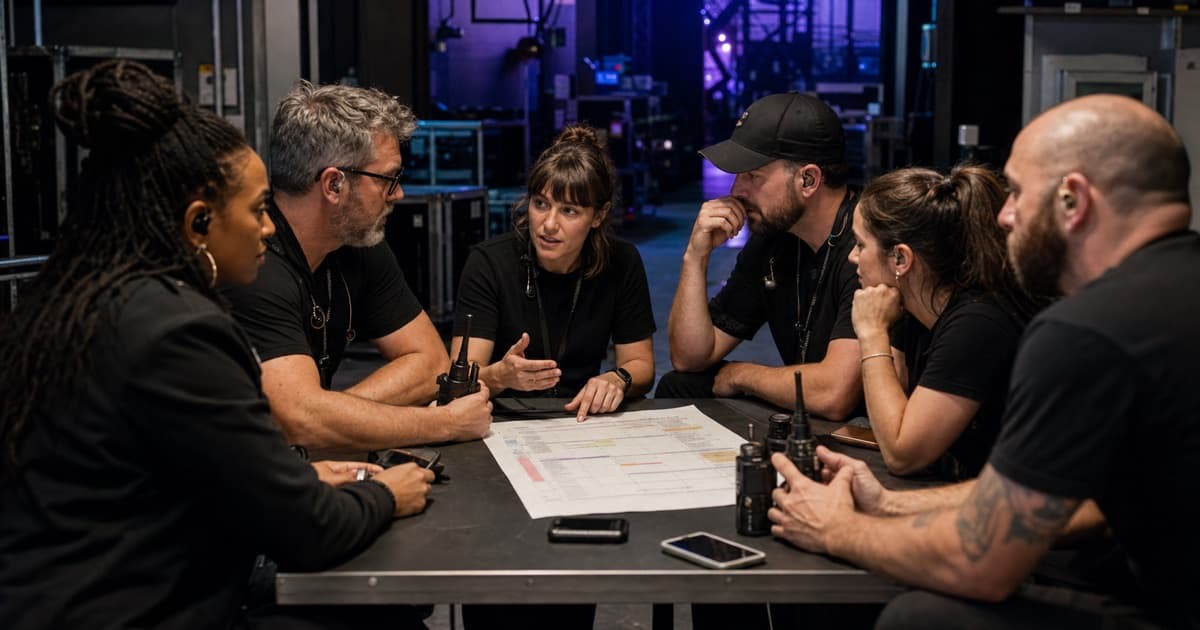
Most tour communication problems are not caused by silence. They are caused by too many places saying slightly different things.
The schedule is in the day sheet, but the change is in a group chat. The hotel address is in an email, but the rooming note is in a text. The production update went to department heads, but not to the person who actually needed it.
A communication plan gives every kind of information a proper home.
Define the Source of Truth
Start with one rule: where does current information live?
For most tours, the day sheet or tour management system should be the source of truth for:
- Schedule
- Venue
- Hotel
- Travel
- Contacts
- Key notes
- Crew calls
Chats are useful for alerts. They are bad archives. If a chat message changes the plan, the source of truth should change too.
Separate Urgent From Important
Not every update deserves the same channel.
| Message type | Best channel |
|---|---|
| Schedule change | Source of truth plus alert |
| Emergency | Direct call plus urgent channel |
| Department note | Department channel |
| General reminder | Daily update or day sheet |
| File or document | Attached to the event |
| Decision request | Direct to owner |
When everything is urgent, people stop reading carefully.
Create Department Channels
Department channels reduce noise:
- Production
- Audio
- Lighting
- Backline
- Wardrobe
- Management
- Transport
- Merchandise
The rule is simple: department channels are for department work, not parallel versions of the full tour plan.
Name Escalation Paths
Every crew member should know who to contact for:
- Medical emergencies
- Schedule questions
- Travel problems
- Hotel problems
- Production issues
- Guest list questions
- Payment or paperwork
- Conflict or safety concerns
Escalation paths prevent every question from landing on the tour manager first.
Make Schedule Changes Explicit
Schedule changes should include:
- What changed
- Old time
- New time
- Who is affected
- Who approved it
- Whether the day sheet has been updated
Example:
Load-in moves from 10:00 to 10:30. Local crew, audio, lighting, and backline affected. Approved by production manager. Day sheet updated.
That is much better than "load-in pushed 30."
Keep Files Out of Random Threads
Files need a stable home:
- Stage plots
- Input lists
- Riders
- Hotel confirmations
- Settlement documents
- Credentials
- Travel documents
If someone has to scroll through a chat to find a PDF, the system is already failing.
Build a Daily Rhythm
A simple rhythm keeps everyone aligned:
- Night before: day sheet published
- Morning: changes confirmed
- Load-in: short briefing
- Pre-doors: critical timing check
- Post-show: load-out and travel confirmation
The rhythm matters because it sets expectations. People know when to look and what to trust.
Review Communication After the Tour
Ask:
- Which updates were missed?
- Which channels were noisy?
- Which questions repeated?
- Which files were hard to find?
- Which escalation paths worked?
- Which decisions took too long?
Then adjust the plan before the next run.
Put the Current Tour Plan in tour-flow
tour-flow gives teams a shared source for schedules, contacts, documents, event notes, booklets, messages, and notifications. Chat can announce a change while the current operational detail remains attached to the tour or event where everyone can find it.
Give the crew one trusted place to check what is happening next. Set up your next tour in tour-flow