Tour Document Management for Riders, Contracts, and Confirmations
Create a tour document management system for technical riders, contracts, maps, hotels, settlements, permissions, versions, and mobile access.

tour-flow Team
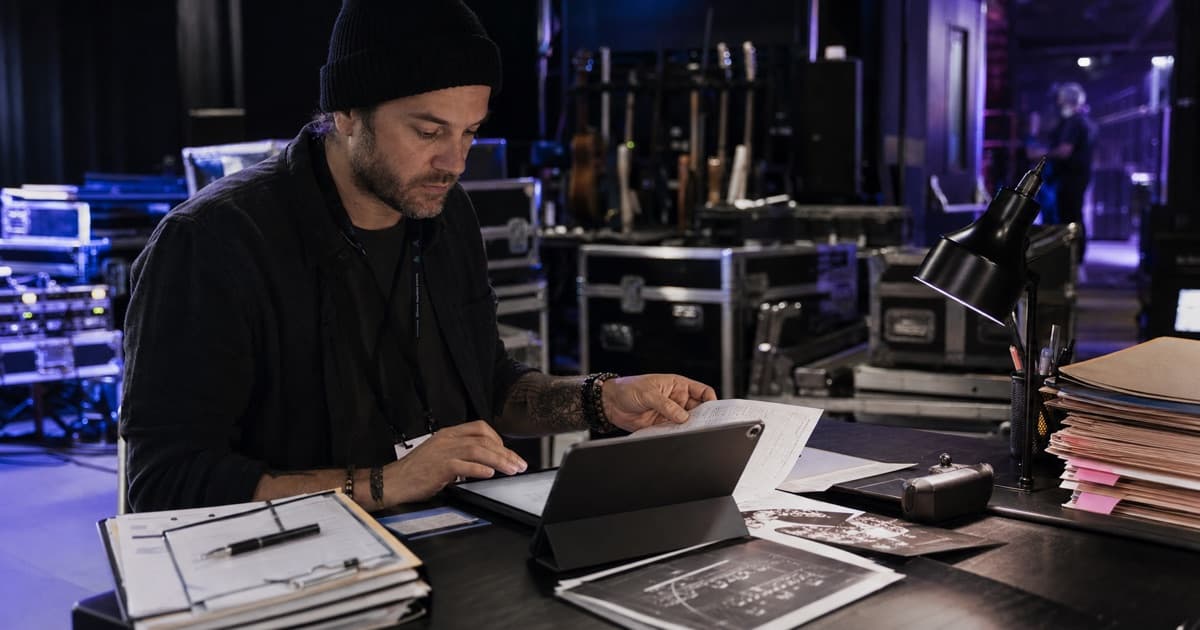
Tour document management is less about storing files and more about connecting the right version to the right date and audience. A folder full of attachments can still leave a crew member asking which rider is current or where tonight's parking map went.
Use a structure that follows the tour operation.
Classify Documents by Scope
Tour-Level Documents
These apply across most or all dates:
- Current technical rider
- Standard stage plot and input list
- Insurance certificates
- Crew policies and emergency procedures
- Equipment inventory
- Artist branding or hospitality standards
Event-Level Documents
These belong to one show:
- Venue advance and local specs
- Parking or loading maps
- Local labor confirmations
- Settlement sheets
- Guest or accreditation instructions
- Event-specific permits
Travel and Accommodation Documents
Store flight, train, ferry, vehicle, hotel, and rooming information with the relevant day. Avoid one giant travel folder that requires people to decode dates from filenames.
Name Files for Retrieval
A consistent filename should reveal what the file is without opening it. Use a pattern such as:
YYYY-MM-DD_CITY_VENUE_DOCUMENT_VERSION
Keep names concise and avoid labels such as FINAL, FINAL2, or USE_THIS_ONE. Version status belongs in the system and publishing workflow, not in increasingly desperate filenames.
Define the Current Version
For every operational document, decide:
- Who owns the master
- Where it is stored
- When it was last updated
- Which tour or event it applies to
- Who can replace it
- Who should receive a change notice
Archive superseded versions when necessary, but present only one current file to the crew.
Use Permissions by Document, Audience, and Context
Contracts, passport data, rooming lists, payment records, and internal notes require stronger controls than a parking map.
Create practical access groups:
- Management and finance
- Production departments
- Full touring crew
- Local venue or promoter
- Specific verified recipients
- Public or link-only material
Share the minimum useful set. Sending the entire tour drive to solve one missing attachment creates future risk and confusion.
Connect Files to Structured Information
Documents should support the operating record, not replace it. Put call times in the schedule, contacts in contact fields, hotel addresses in hotel records, and expenses in financials. Attach the PDF as evidence or detail.
Structured data can be updated, searched, displayed on mobile, and included selectively in a booklet. A PDF remains useful, but it should not be the only place critical information exists.
Design for Mobile and Weak Connectivity
Before a tour leaves, test whether the crew can:
- Open a file from the event page
- Understand what it contains from the title
- View it on a phone
- Identify the current version
- Access only what they are allowed to see
- Download essential material before a low-signal day
Compress oversized scans and use searchable PDFs where possible.
Tour Document Management Checklist
- One authoritative storage location
- Tour, event, travel, and private scopes
- Consistent filenames
- Clear ownership and last-updated information
- Current-version rules
- Permission-aware sharing
- Mobile-friendly file sizes
- Superseded-document archive
- Links from the relevant operational record
- Regular cleanup after each tour
tour-flow keeps documents attached to tours, events, travel days, off days, projects, and shared booklets, with access controlled through the surrounding workspace and sharing method. Organize your tour documents with tour-flow
More Articles
Why Spreadsheets Fail for Tour Management (And What to Use Instead)
Spreadsheets were never designed for managing tours. Here's why they break down and what modern tour management actually looks like.
February 15, 2026
Production Sheet Template: What to Include for Every Show
Build a production sheet template that keeps audio, lighting, backline, stage, power, and venue details clear for each event.
June 14, 2026