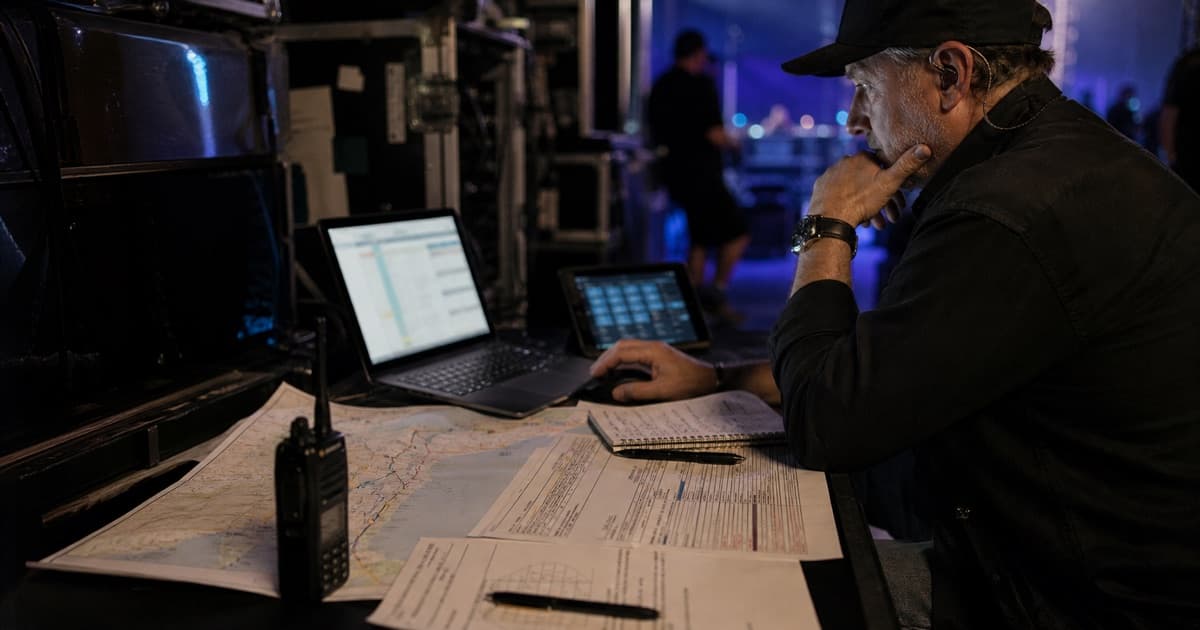
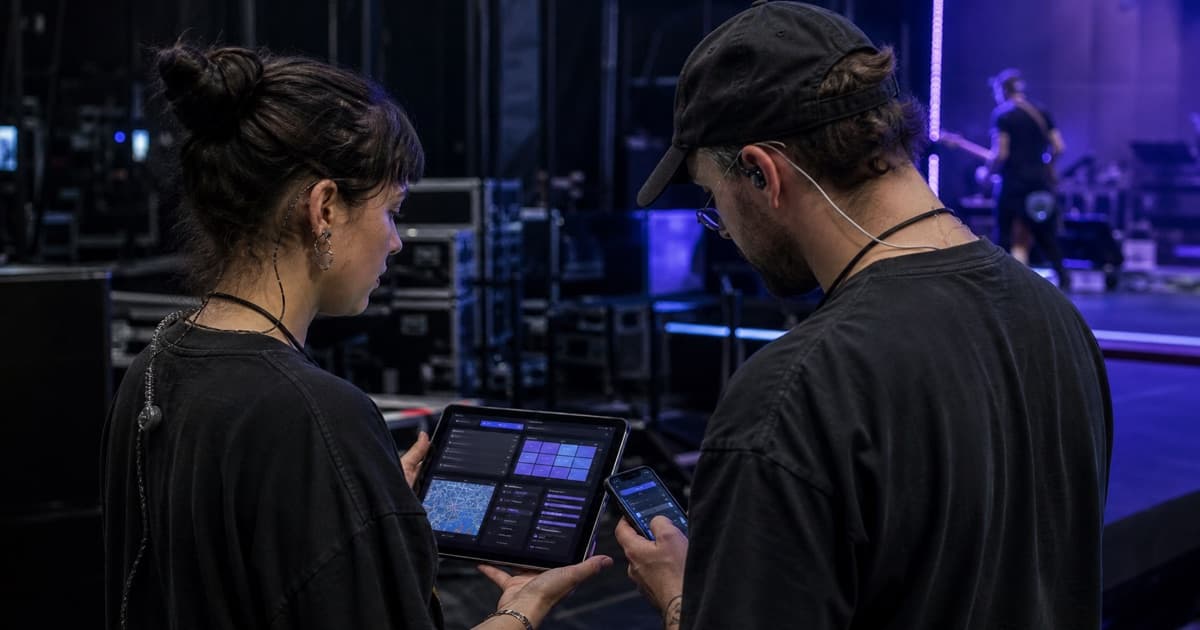
Tour Manager App: What Mobile Crews Need on Show Day
Choose a tour manager app that gives crews fast mobile access to schedules, contacts, maps, hotels, documents, updates, and shared tour books.

tour-flow Team
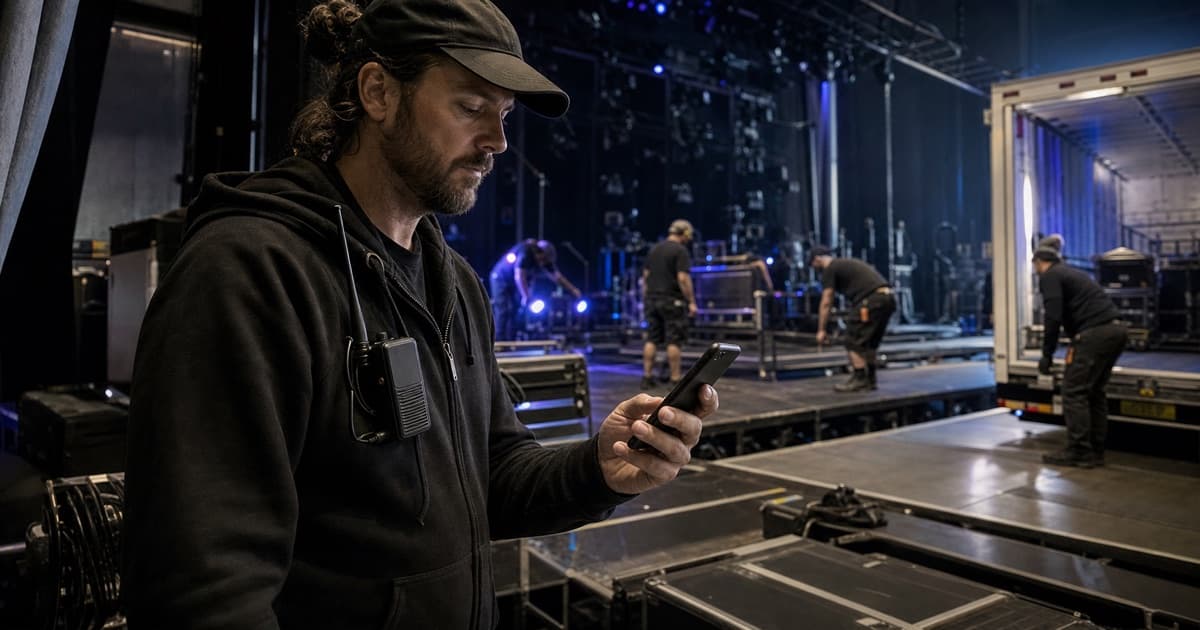
A tour manager app succeeds when someone can answer an urgent operational question in seconds. Show day is not the time for deep navigation, tiny spreadsheets, or downloading the fourth corrected attachment.
Evaluate the mobile experience around the moments that actually happen on the road.
Today's Schedule Must Be Immediate
The app should open to the current tour context and make today's timeline easy to scan. Crew need load-in, catering, soundcheck, doors, set times, curfew, load-out, departure, and any personal call that differs from the group.
Changes should appear in the schedule itself. Notifications can draw attention to an update, but they should not become the only record of the new time.
Addresses Need Operational Context
A venue pin is useful only if it leads to the correct place. Mobile event information should distinguish:
- Public venue address
- Production entrance
- Bus, van, or truck parking
- Hotel
- Airport, station, or pickup point
- Hospital or emergency location where relevant
Add short access notes so a driver does not arrive at the box office with a truck.
Contacts Should Be Role Based
Crew rarely remember the name of every local contact. Make it possible to find "venue production" or "hotel front desk" without searching a long undifferentiated list.
Phone and email actions should be easy to use, while personal contact details remain limited to the people who need them.
Documents Must Work on a Phone
Technical riders, parking maps, stage plots, flight confirmations, and hotel files should be attached to the relevant date. Use clear titles, current-version rules, and practical file sizes.
Test a real document on the smallest phone in the team. A file that technically opens but cannot be read is not mobile access.
Travel and Hotel Details Need Their Own Views
Show travel days, off days, and accommodation as first-class parts of the tour. Crew should be able to find departure, transport, expected arrival, hotel address, breakfast, checkout, parking, and lobby call without decoding show notes.
Shared Tour Books Reduce Noise
Not every crew member needs the full management workspace. A mobile tour book can publish the schedule, contacts, travel, hotels, and selected documents while keeping contracts, financials, and private notes restricted.
This also works for external or temporary crew who only need one event's operational information.
Notifications Need Restraint
Use notifications for changes that affect action: a new call time, transport update, venue access change, or urgent message. Routine details belong in the event record.
Too many alerts train the crew to ignore all of them. The app should support a clear escalation path rather than making every update feel critical.
Test the Tour Manager App in Real Conditions
Before adopting a platform, ask a crew member to complete these tasks on mobile:
- Find today's production entrance.
- Call the venue production contact.
- Check tomorrow's lobby call.
- Open the latest parking map.
- Identify what changed in the schedule.
- Find their shared tour book.
- Switch between two active tours without confusion.
Also test bright sunlight, one-handed use, and a weak connection. Real-world friction matters more than a polished app-store screenshot.
Keep Mobile and Desktop Connected
Tour managers may build routes, templates, financials, and documents on a larger screen. Crew consume the result on mobile. Both surfaces must use the same current data so updates do not require duplicate entry.
tour-flow connects its web workspace with mobile access to tours, events, travel, crew, schedules, booklets, messages, and notifications. Use tour-flow for your next run